 Open pattern · →✦ AI chibi to beads
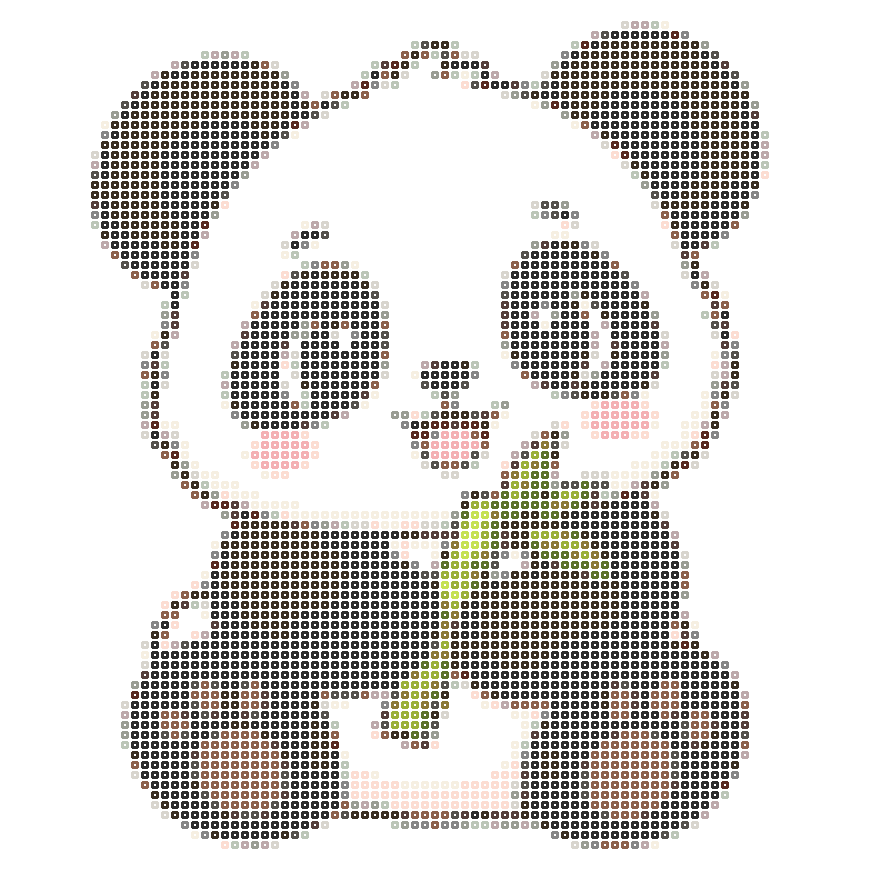
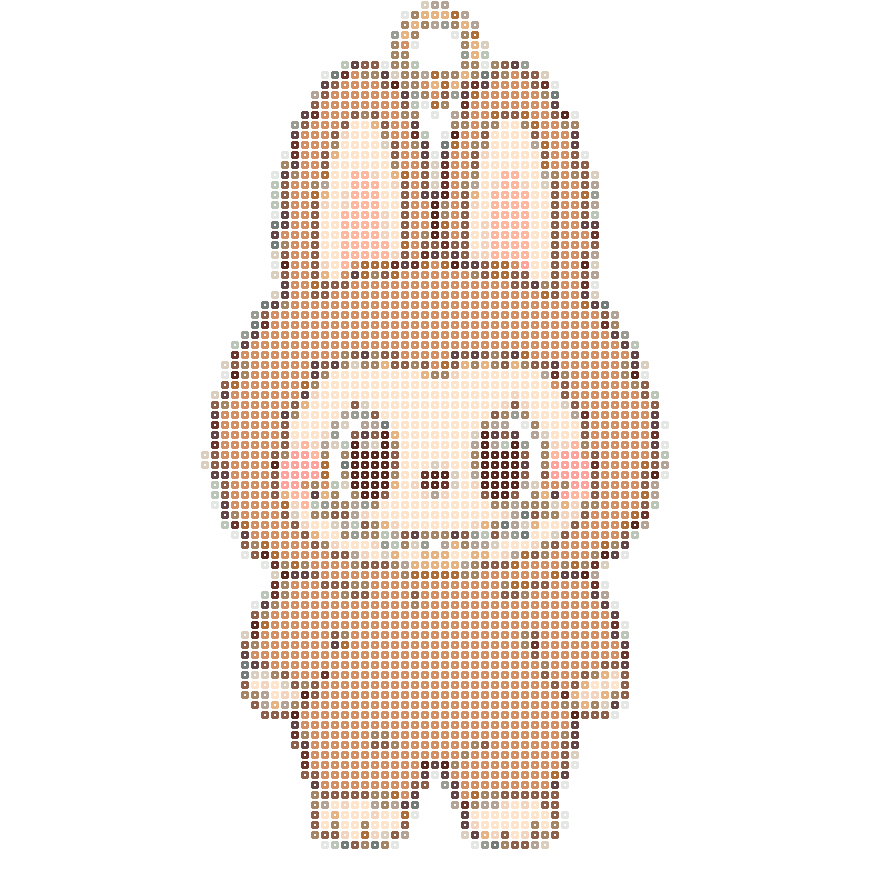
A little panda, a handmade companion
87 × 87 cells · 18 colors · 3,271 beads
Same palette and settingsOpen this pattern → 96 Pindou
Your little cat, your favorite person, a day to remember.
Make it cute with AI, then turn it into a bead pattern.
 03 / Ready to make by hand
Create with the beads you have
Watch a real rabbit example: create a pattern, remove the background, adjust colors, check bead counts and download.
▷ Watch all 9 video tutorials ↗See the transformation. Make it with your own hands.
Open pattern · →✦ AI chibi to beads87 × 87 cells · 18 colors · 3,271 beads
Same palette and settingsOpen this pattern →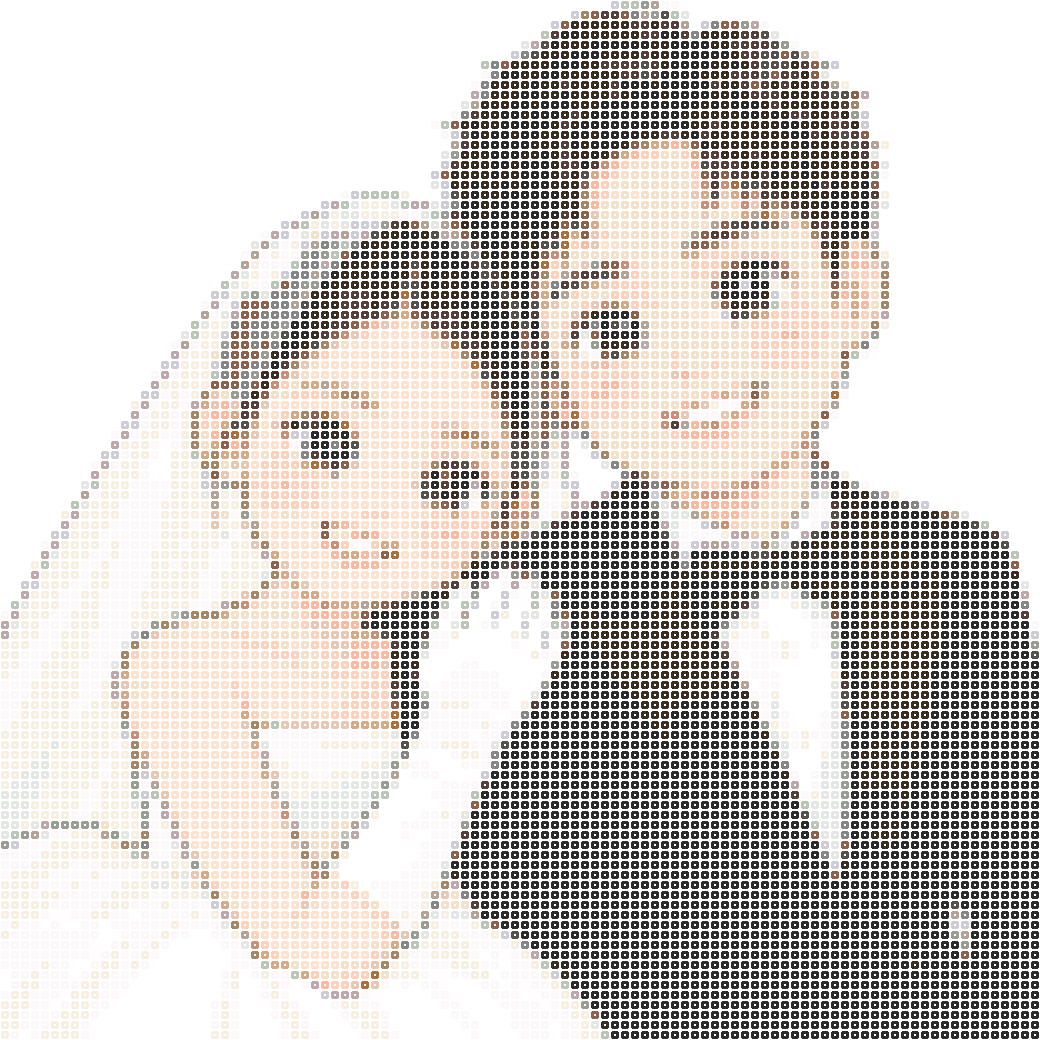 Open pattern · →✦ AI chibi to beads
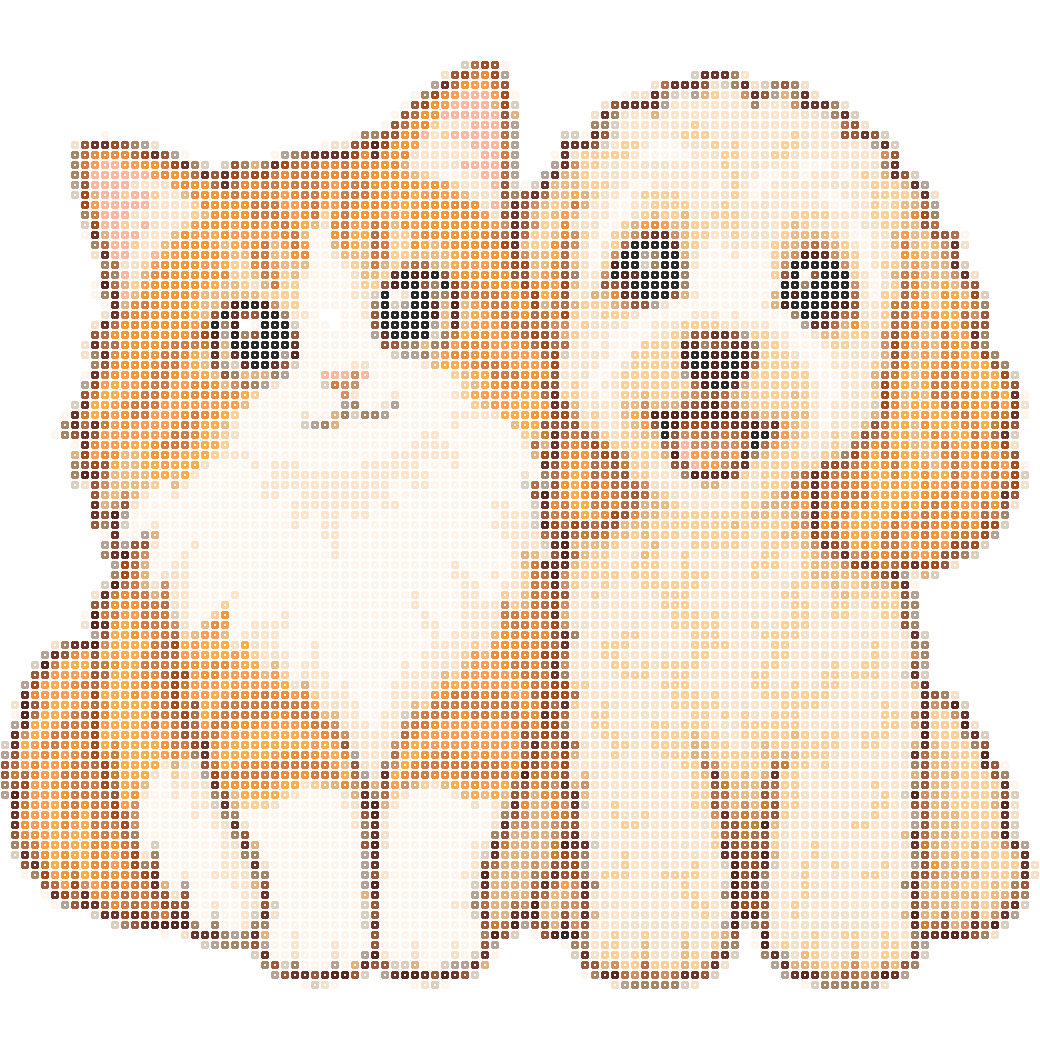
104 × 104 cells · 24 colors · 10,816 beads
Same palette and settingsOpen this pattern →Memories, friends and favorite characters. Pick one to start.
Find more inspiration in the gallery →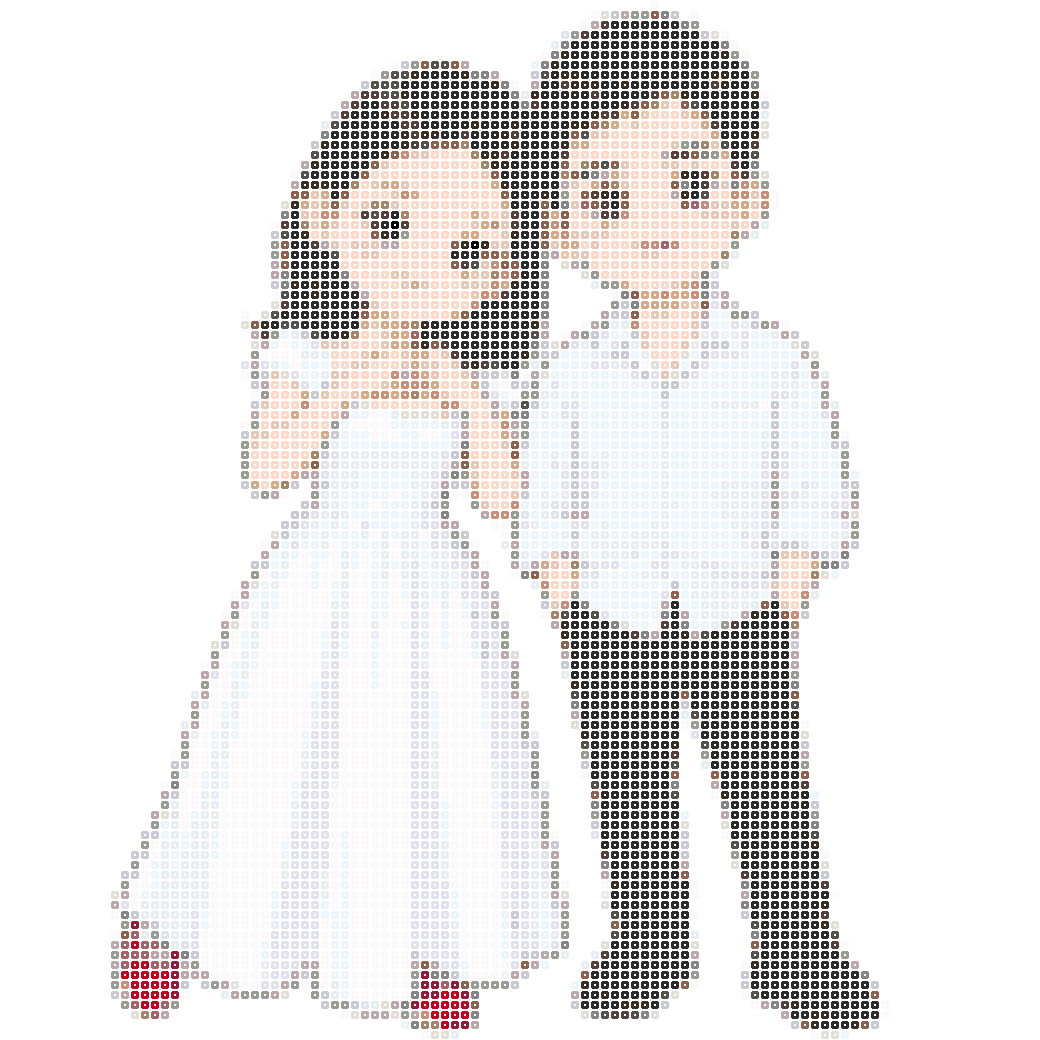 Open pattern · →✦ AI chibi to beads
104 × 104 cells · 24 colors · 10,816 beads
Same palette and settingsOpen this pattern →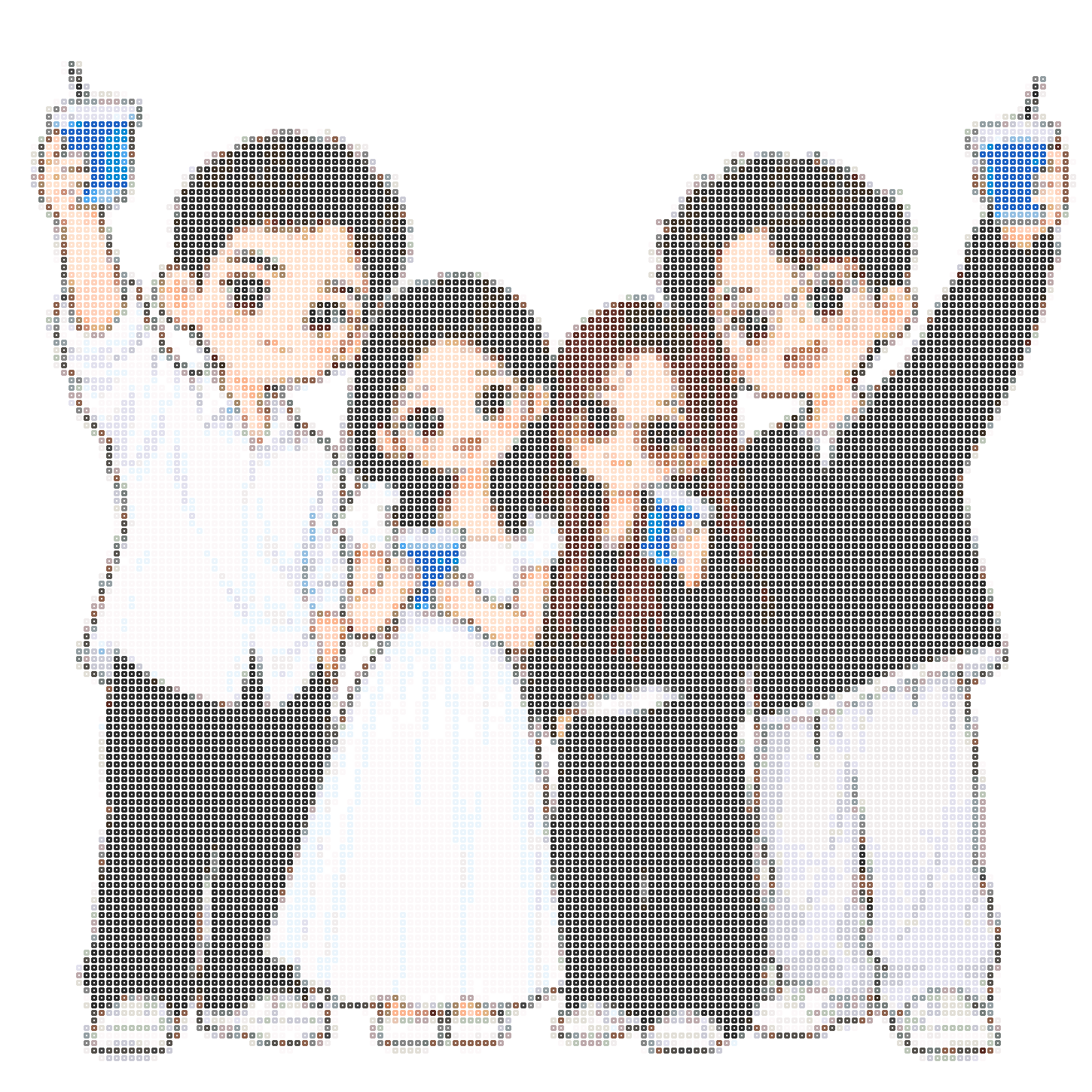 Open pattern · →✦ AI chibi to beads
145 × 145 cells · 32 colors · 21,025 beads
Same palette and settingsOpen this pattern →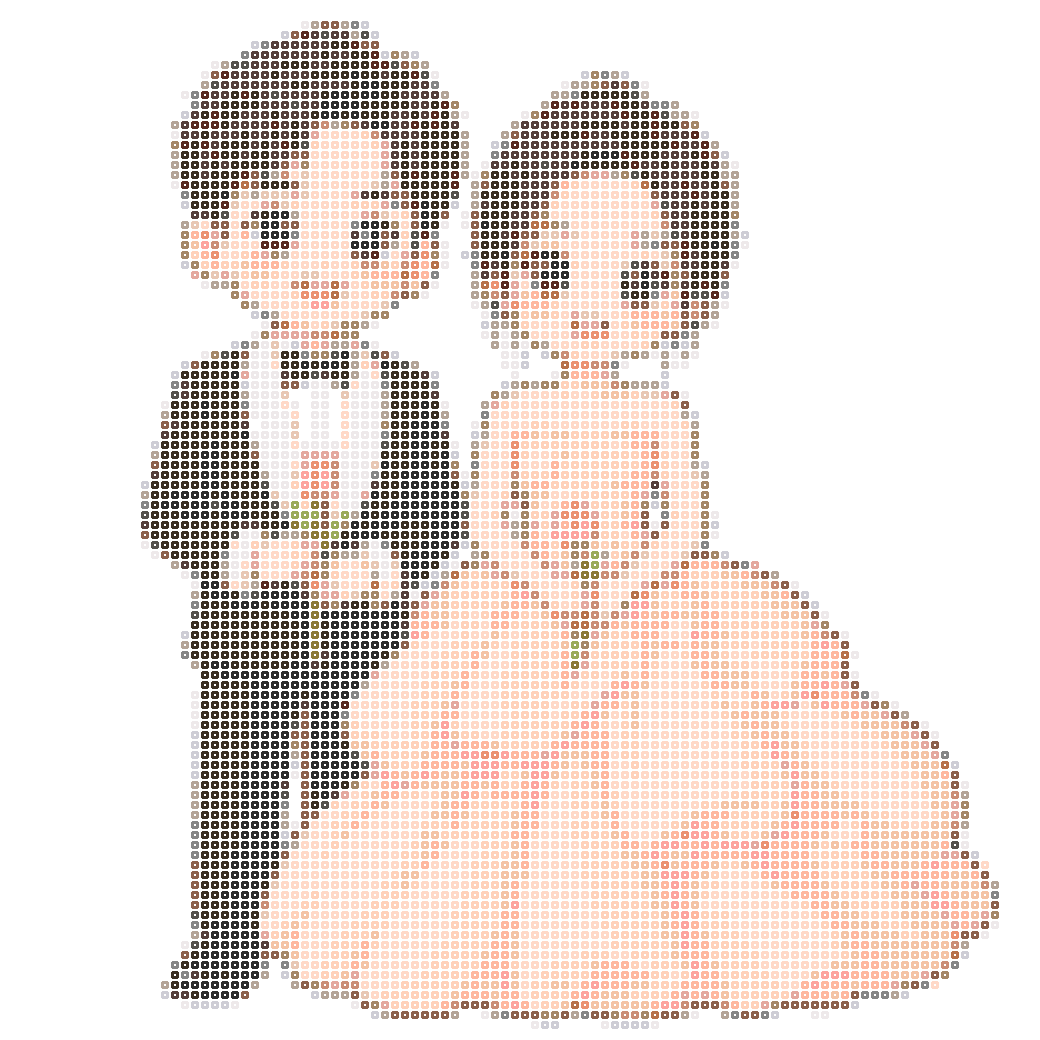 Open pattern · →✦ AI chibi to beads
104 × 104 cells · 24 colors · 10,816 beads
Same palette and settingsOpen this pattern →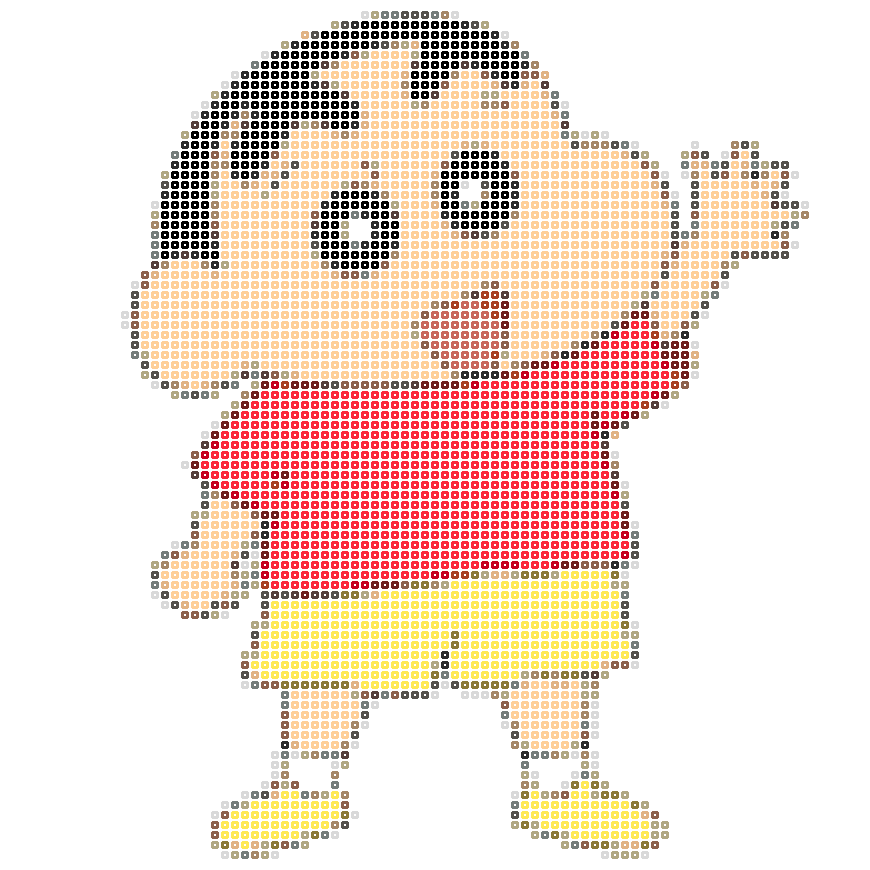 Open pattern · →✦ AI chibi to beads
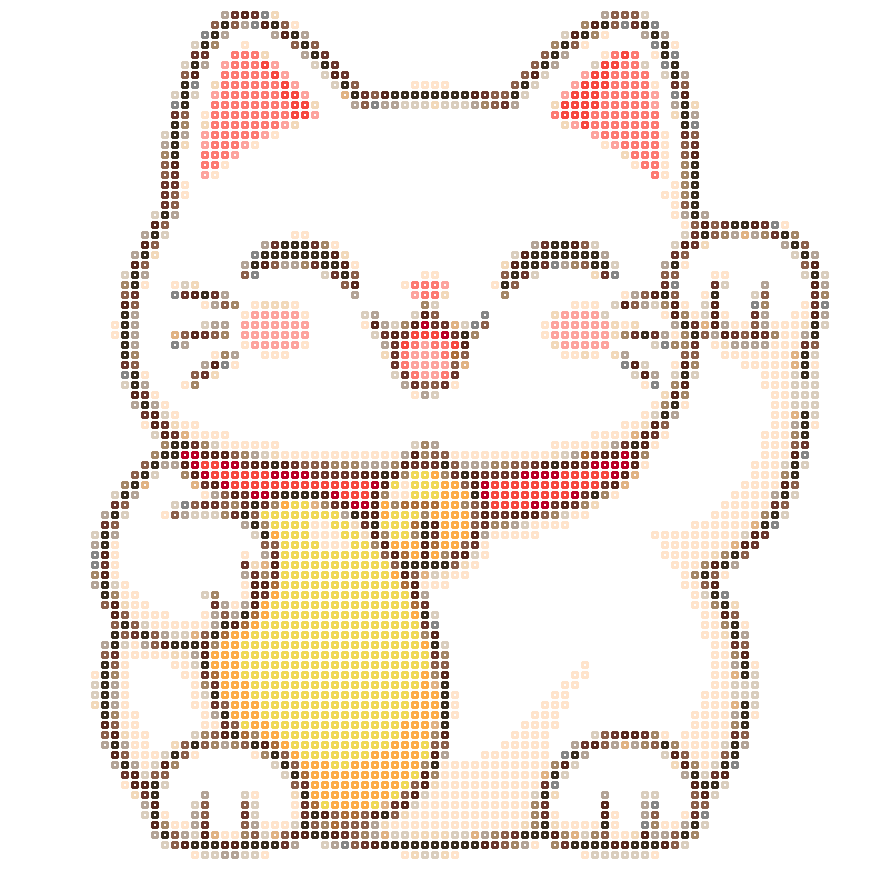 Open pattern · →✦ AI chibi to beads
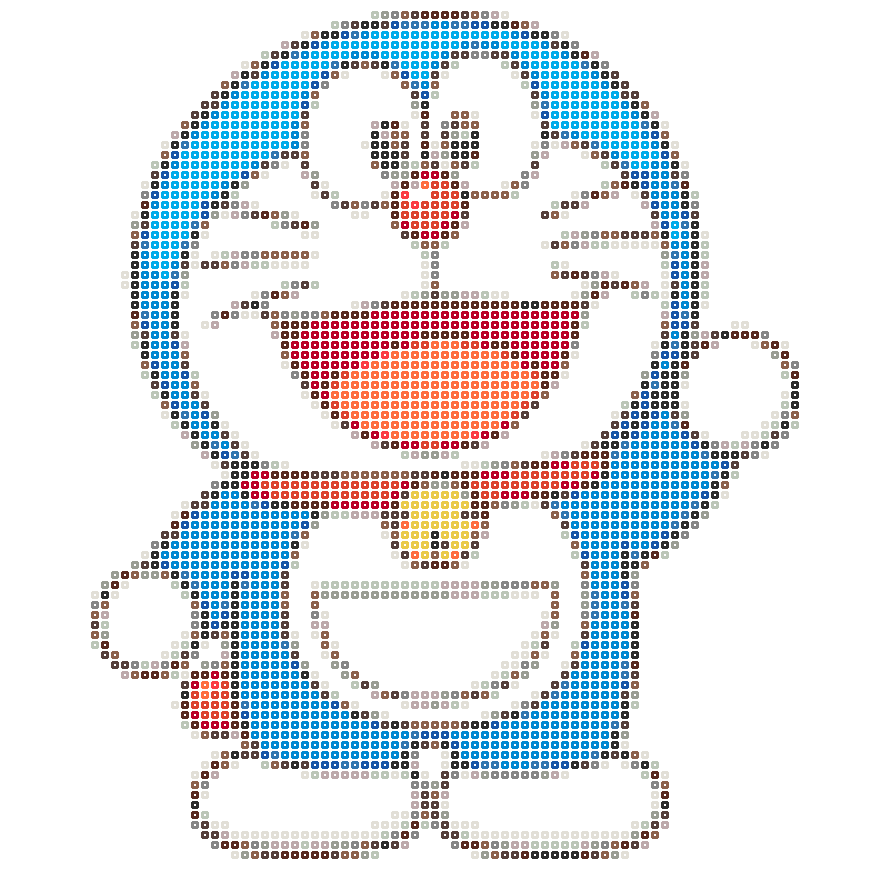 Open pattern · →✦ AI chibi to beads
A name or a short phrase, made uniquely yours.
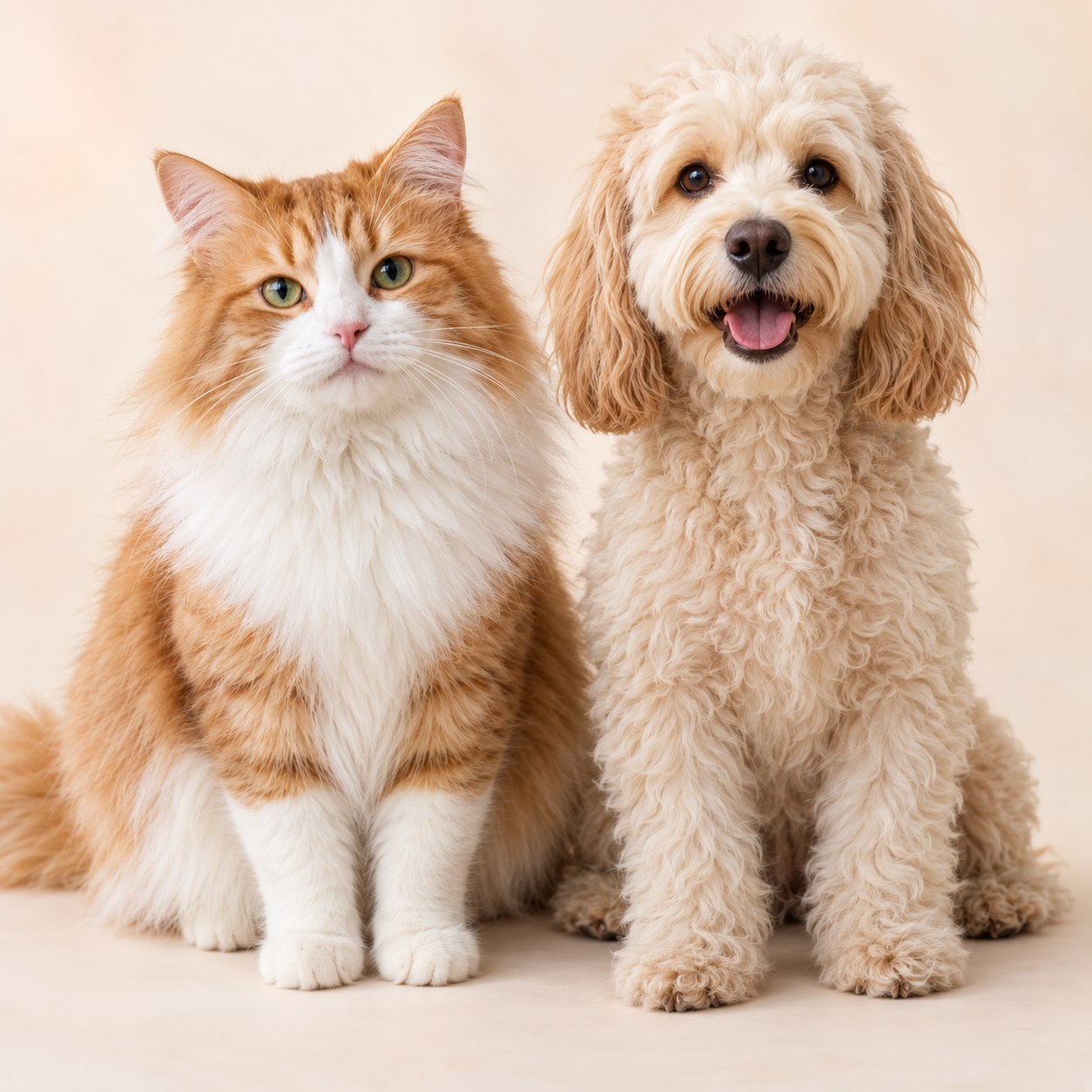
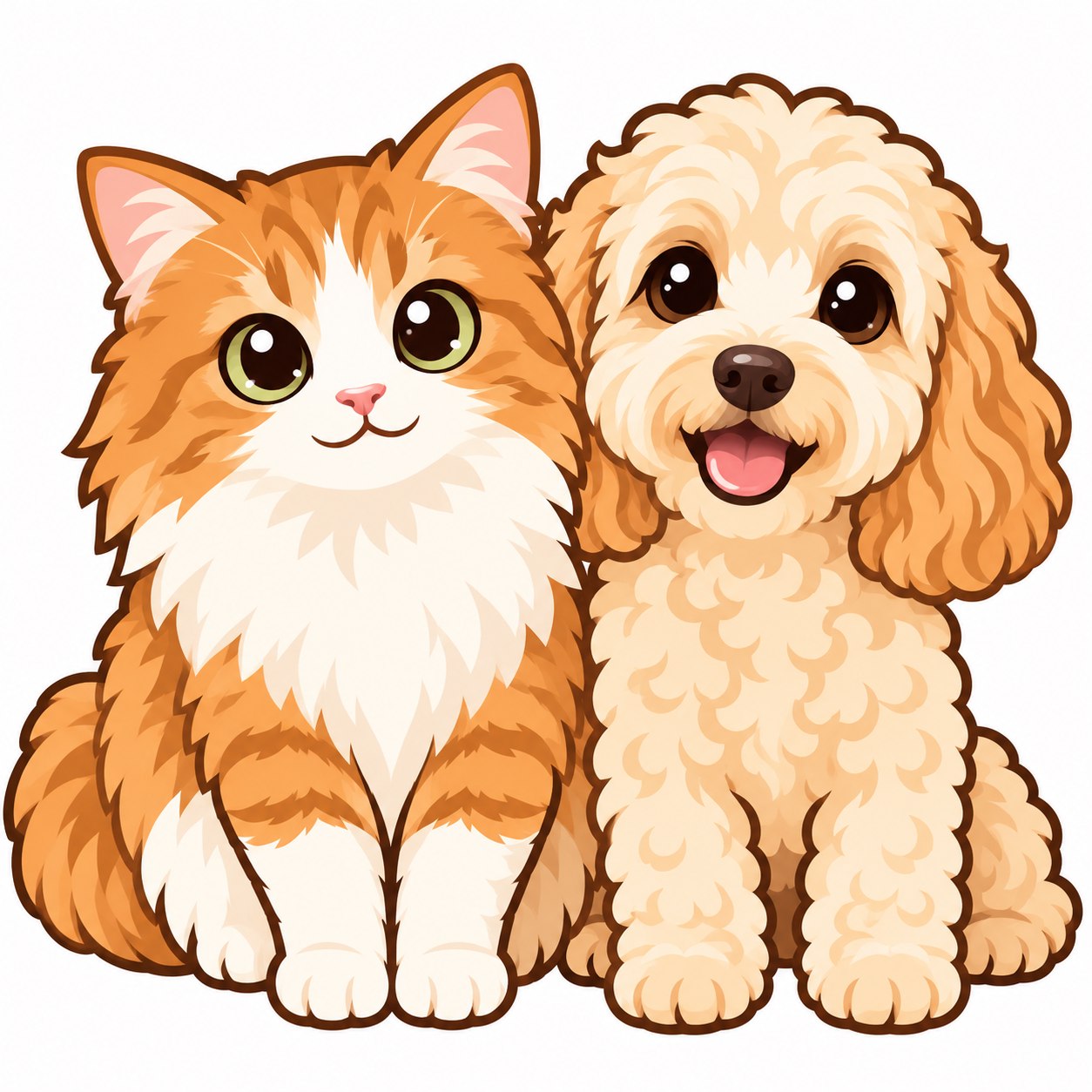
Start with chibi, or create charms, dolls and pet portraits.
Describe your idea and let AI help illustrate it.
Upload, drop or paste an image. Make an AI chibi first, or convert directly into a pattern.
Choose your beads and palette, compare presets, and edit any bead in the editor.
Get counts by color, export charts and material lists, print by board, and track your progress.
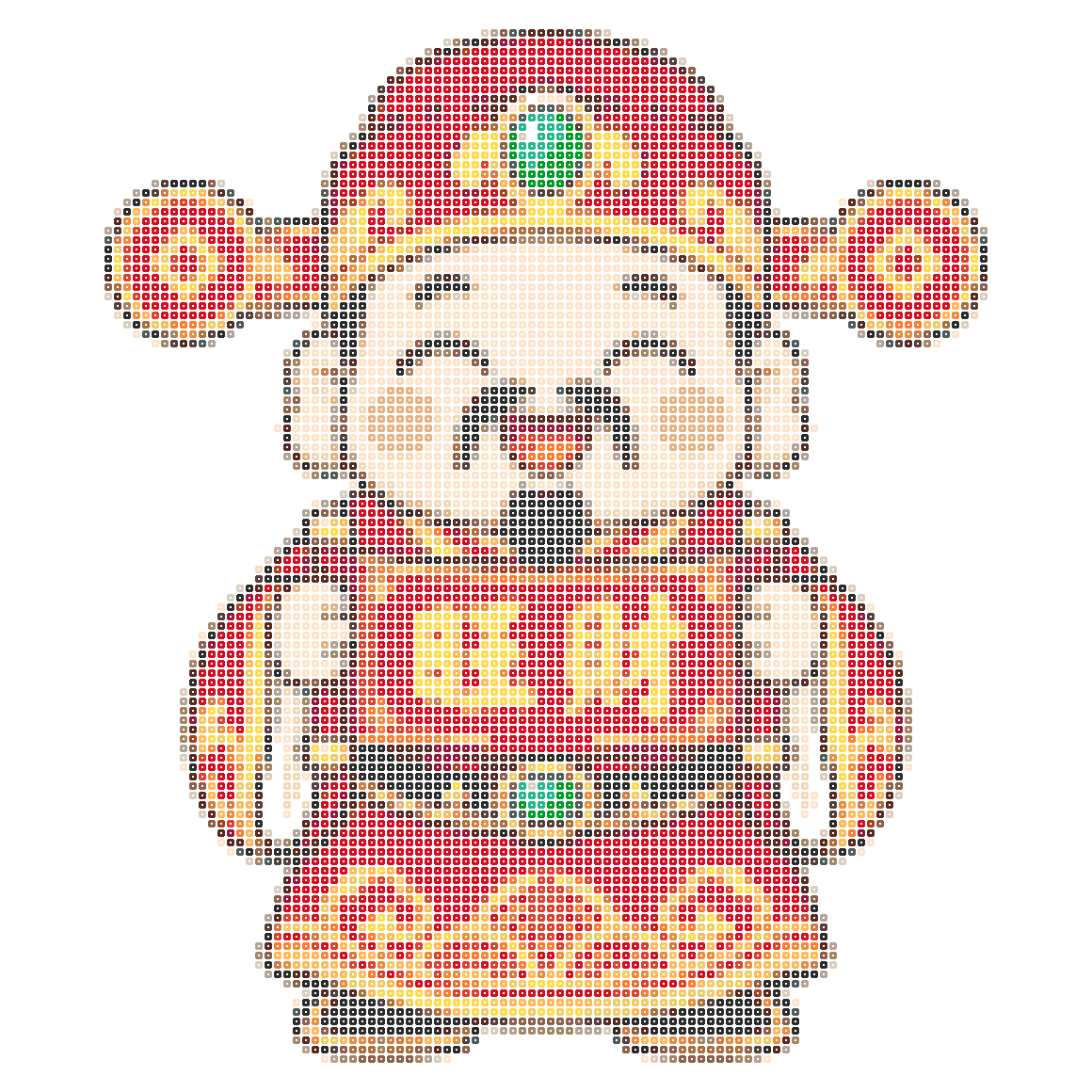 Make a little luck, bead by bead.
No. Simple cartoons can be converted directly. For detailed portraits or pets, AI can simplify the background and outlines before you make a bead pattern.
Start with 32–52 cells and 10–16 colors, using a small design with clear outlines. Portraits need more cells for facial details. Check the previews and adjust to your board and available time.
Choose MARD, Perler, Hama or Artkal to match codes from a community reference palette and count each color. Screen colors may differ from the beads. Check the supplier’s palette before buying, or import your own.
Yes. Export high-resolution color-code charts and material lists, print the whole design or individual boards, or save a PDF through your browser. You can also zoom in on phones and tablets.
AI inspiration · Brand palettes · Made bead by bead
 Mini charmSimple shapes for tiny charms
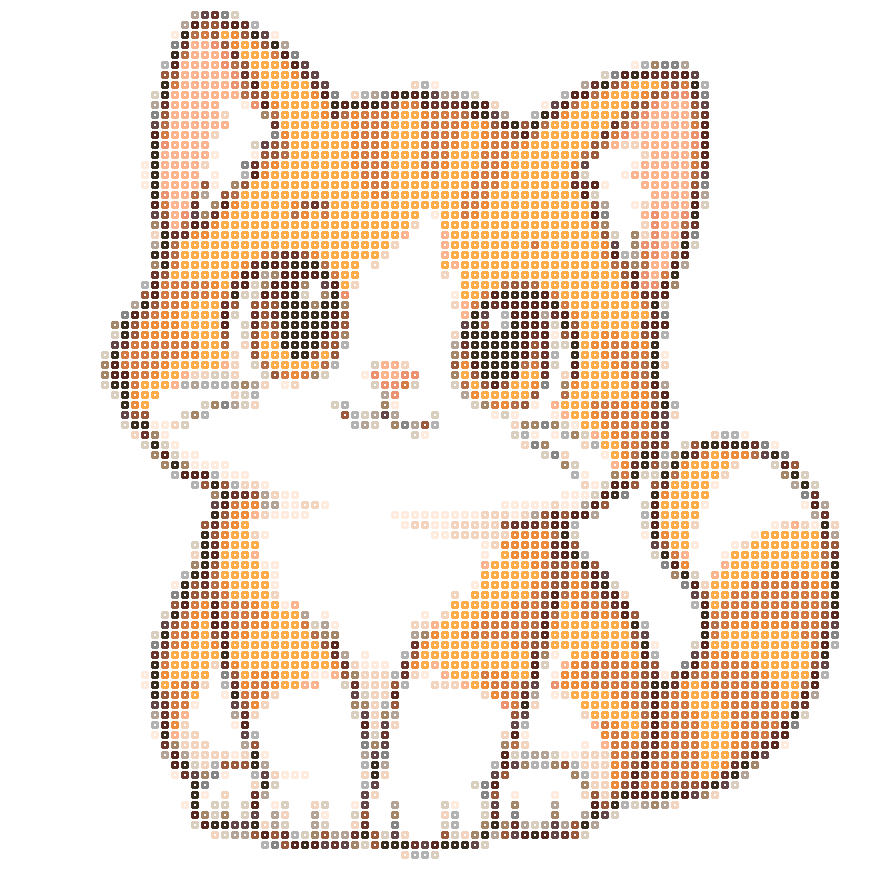 Pet portraitA keepsake of a furry friend